T150 Air Duster |
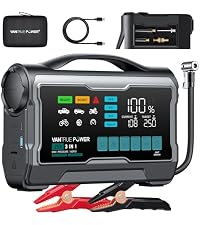
JS3 3250A Jump Starter |
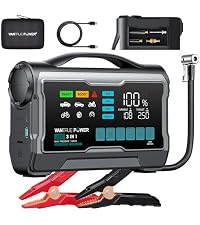
JS2 2500A Jump Starter |
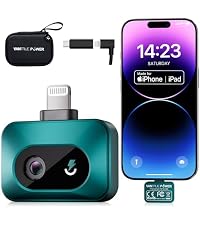
TS1 iOS Thermal Camera |
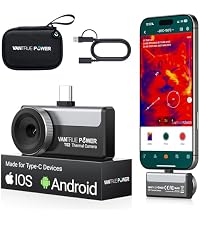
Thermal iOS & Android |
|
|---|---|---|---|---|---|
|
product type
|
Clean&Inflate | Jump Starter | Jump Starter | Measure&Inspect | Measure&Inspect |
|
Battery
|
5000mAh | 24000mAh | 16000mAh | Battery Free | Battery Free |
|
Interface Type
|
Type-C | Type-C/USB-A | Type-C/USB-A | Lightning Adapter/ Type-C | Type-C |
|
Peak Current
|
None | Real 3250A | Real 2500A | None | None |
|
Max Engine
|
None | 10l Gas/8l Disel | 8l Gas/7l Disel | None | None |
|
RPM
|
110000 | None | None | None | None |
|
Ideal For
|
Camping & Outdoor Fans | Road Trip & Camping Lovers | Car Owners | PCB Detection, Home Inspection | Electricians & Maintenance |
|
Charging Power
|
7.5W | 65W | 65W | Plug and Play | Plug and Play |
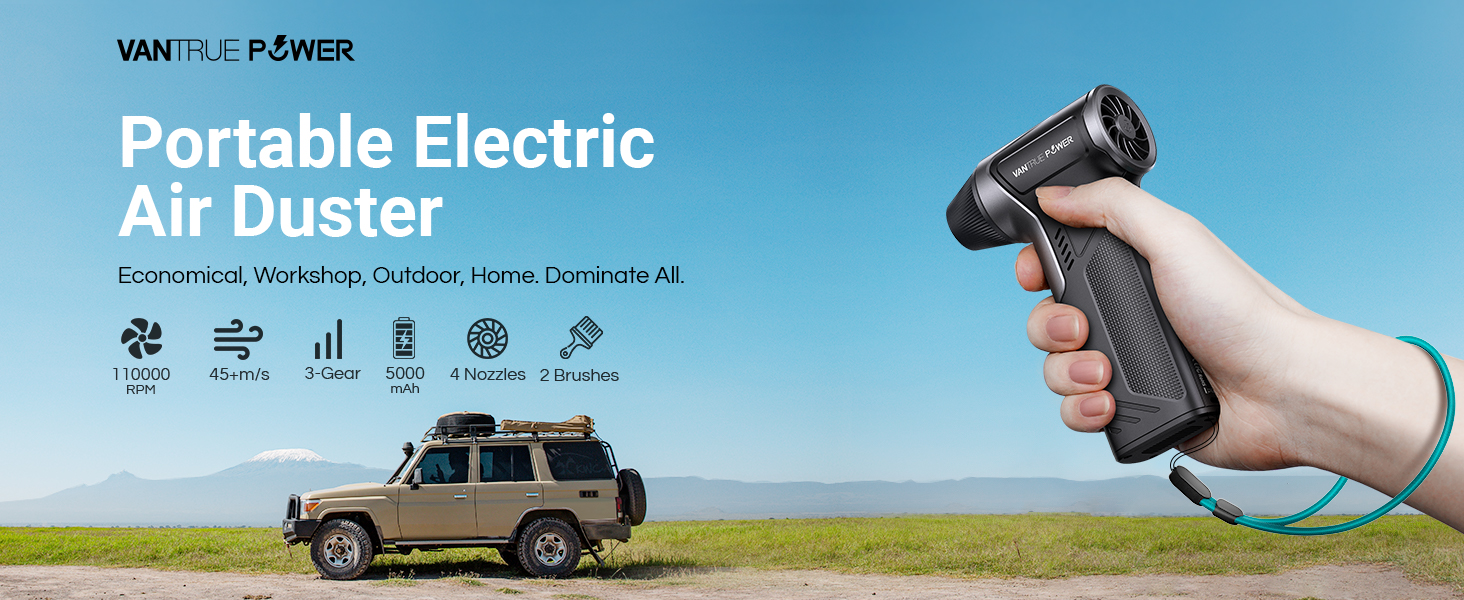
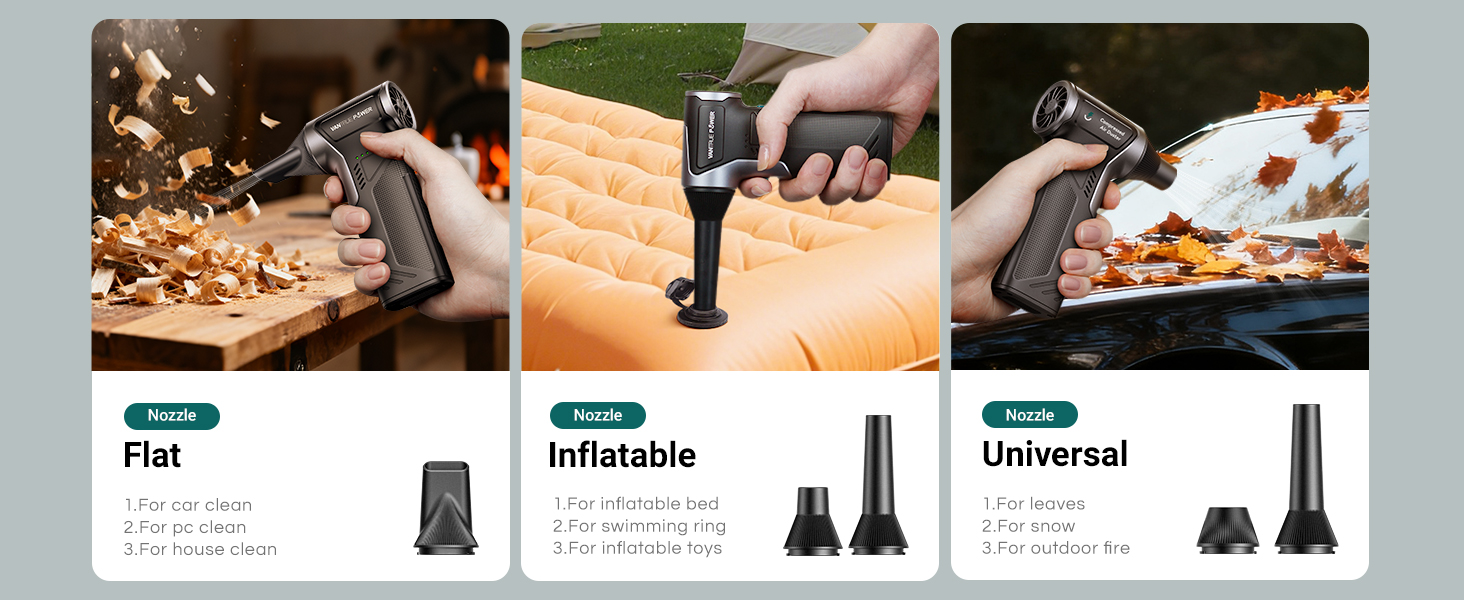
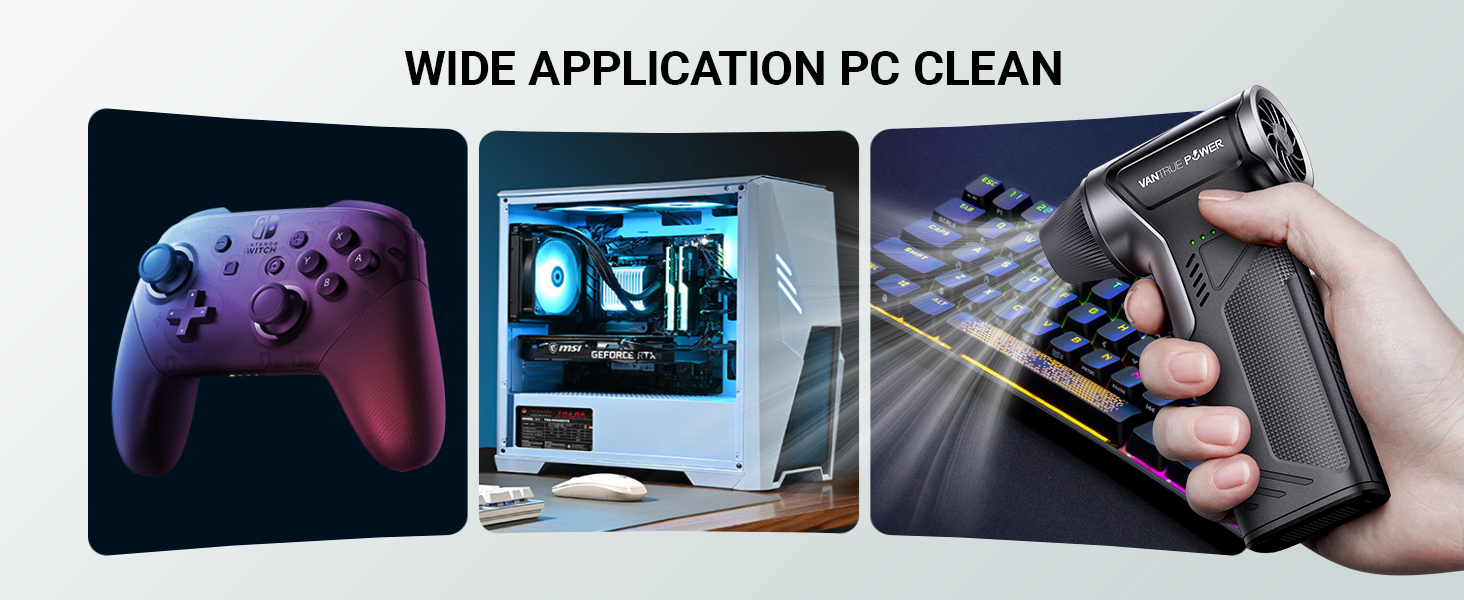
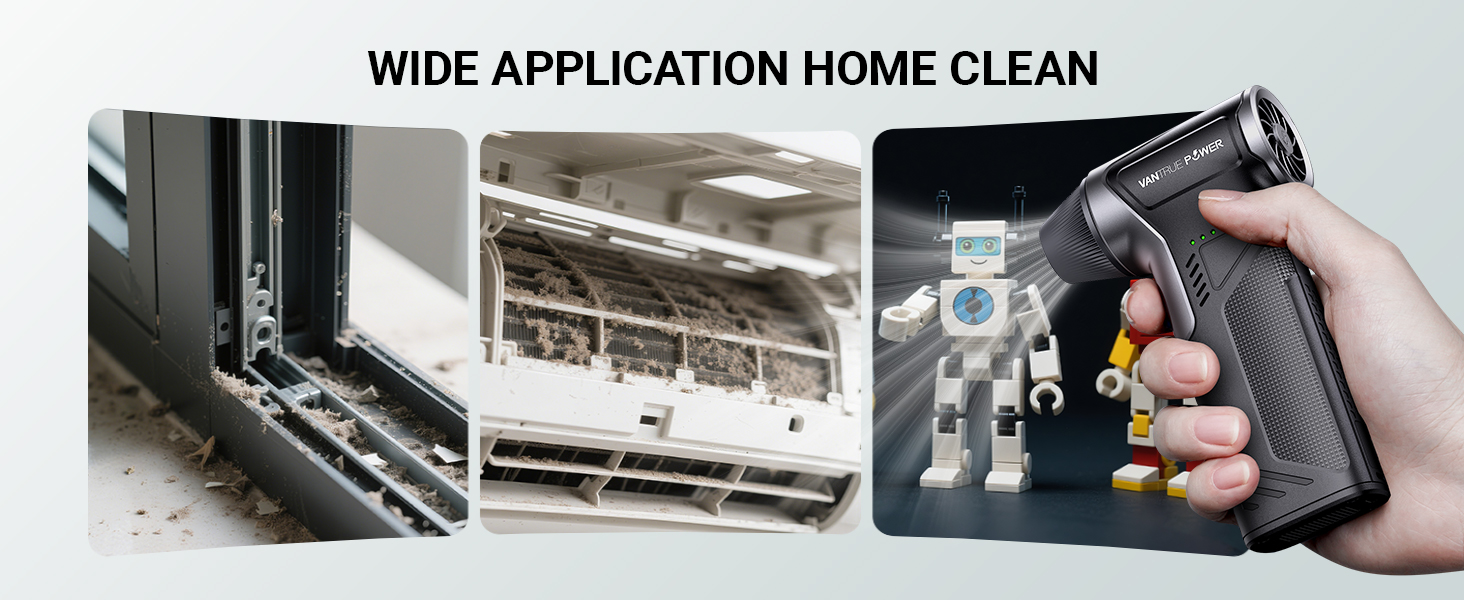
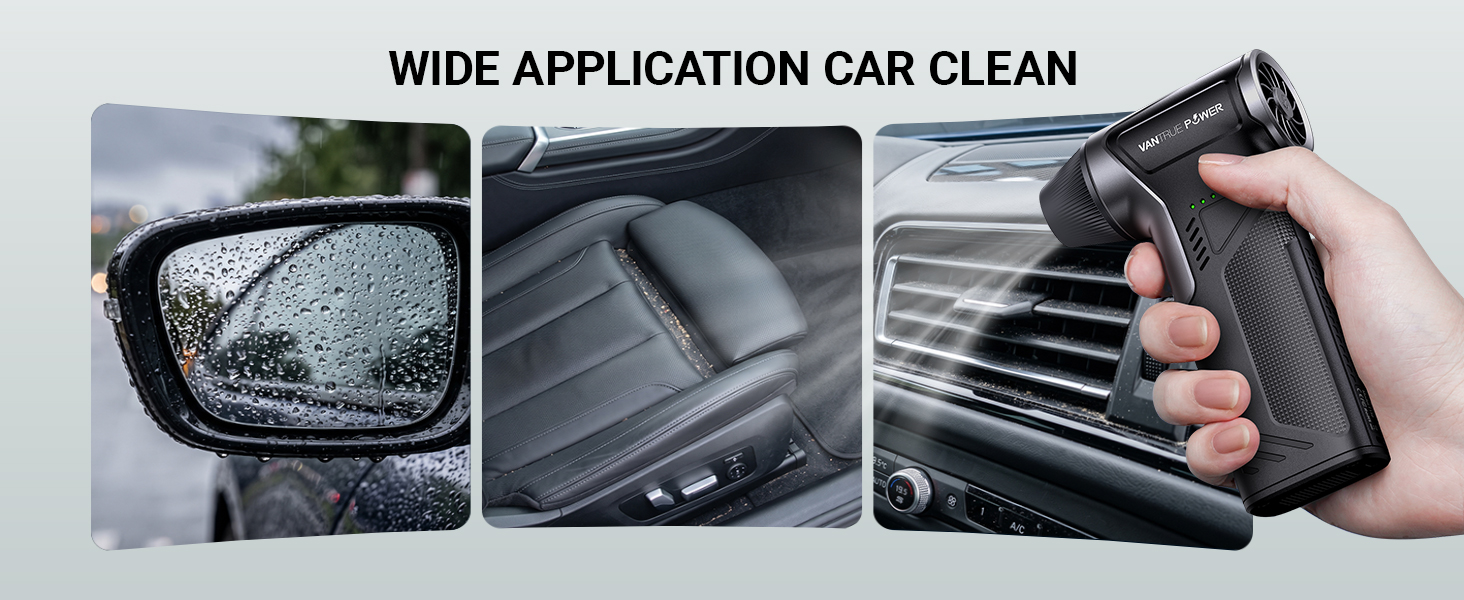
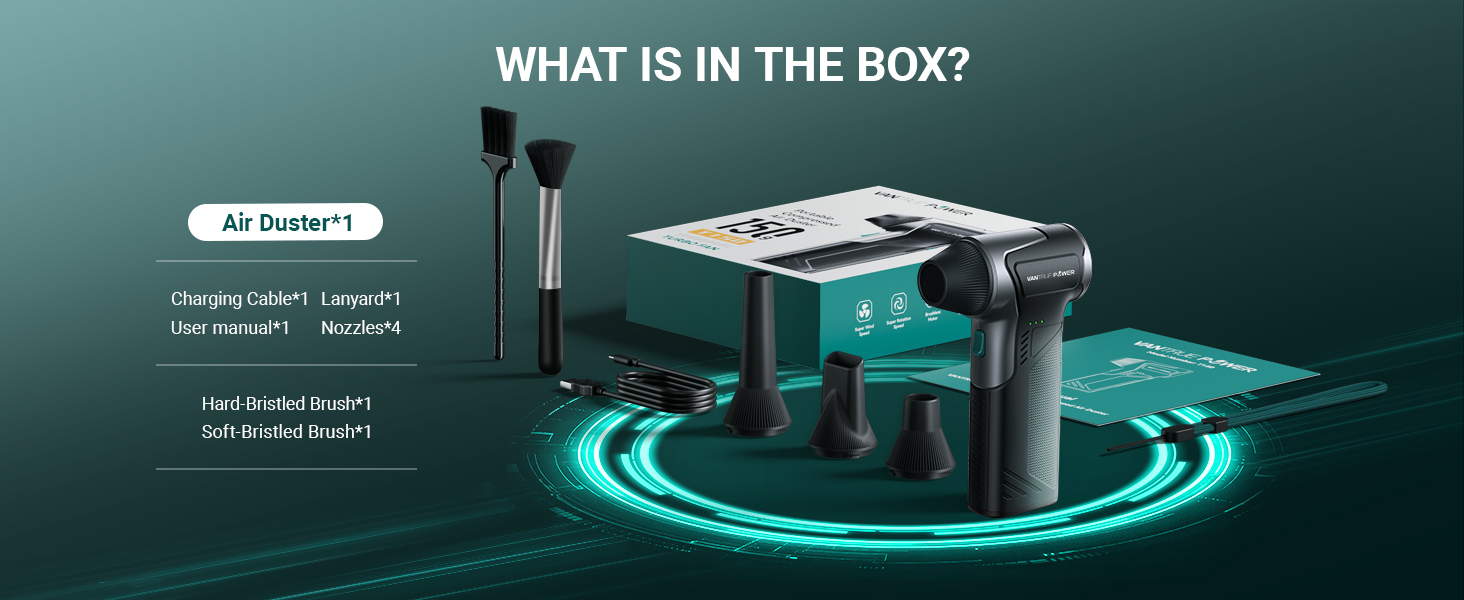
6 accessories total: flat, long, round nozzles, soft & hard brush heads. Flat nozzle: PC case & desk cleaning Long nozzle: Keyboard & car vent deep cleaning Round nozzle: Daily general use Dual brushes: Gentle dust scrubbing
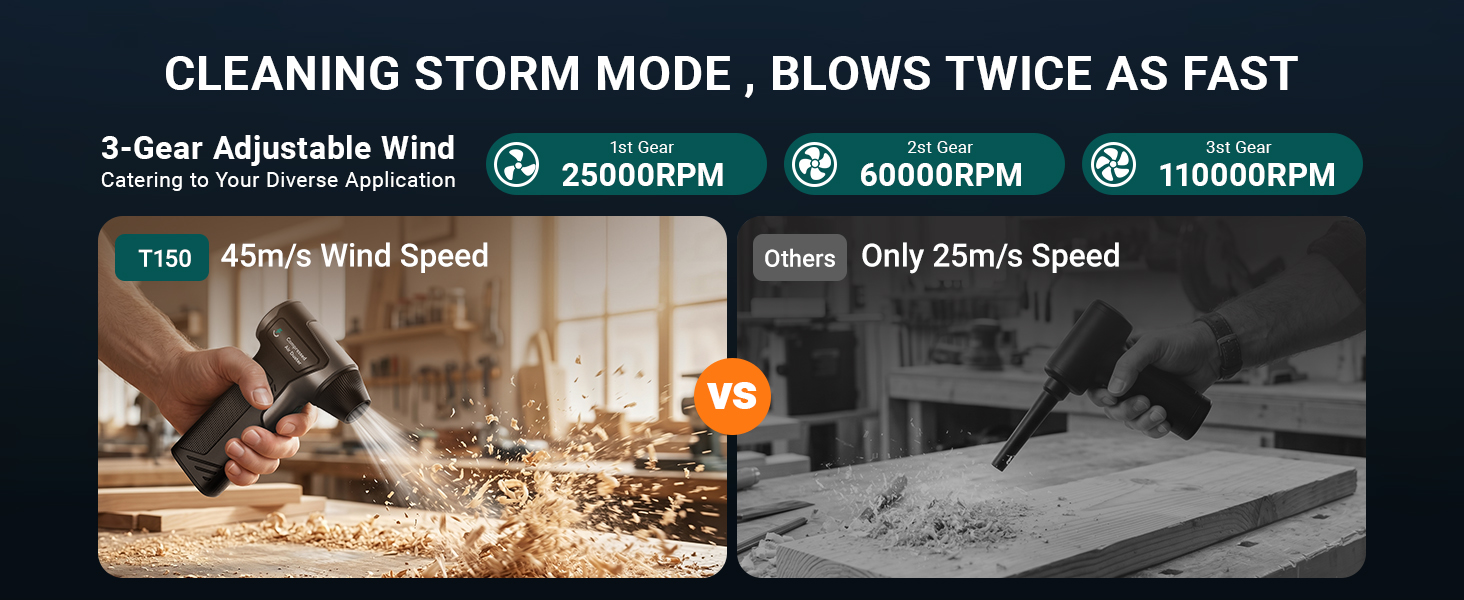
Yes, follow these tips: Use Gear 1 low speed (25,000 RPM) for gentle cleaning. Keep the nozzle 6–8 inches away from the lens. Attach the narrow nozzle for precise airflow. Blow short bursts instead of holding the button long.
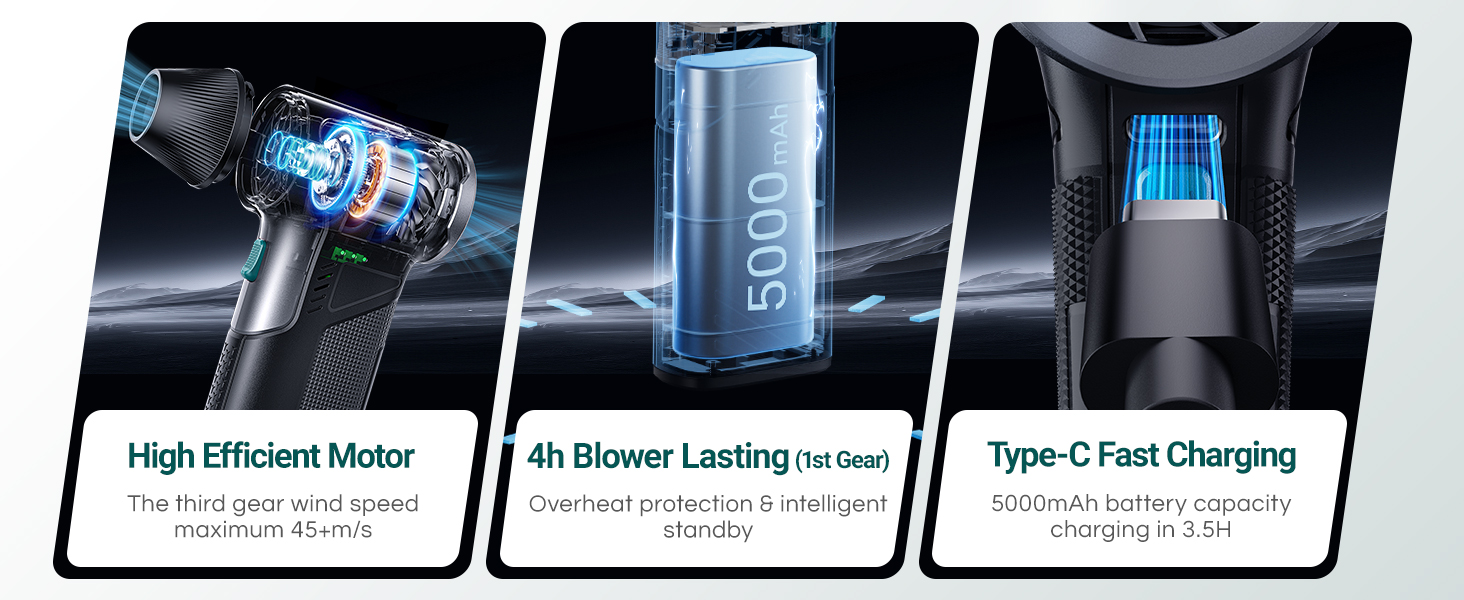
Fully charged in only 3.5 hours via USB Type-C fast charging, it delivers up to 240 minutes of runtime on low speed for gentle camera lens cleaning and roughly 20 minutes on high speed for heavy-duty cleaning.
1. Long press the power button to turn on the unit. 2. Short press the power button to switch gears, with lights showing the current gear. 3. Tap the oval nozzle button to control airflow; long press it for the 3rd gear.
Fully charge before use. Do not charge while using.If the device overheats, stop operation immediately and resume only after it has cooled down.